- Home
- Donation
Donation
How Your Donation
Makes a Difference
Most of our much-needed services are eligible for the Government supported subsidies. Despite that, financially needy members are unable to bear their share of the service cost, even after receiving the Government subsidies. In these situations, HWA extends additional subsidies to these needy individuals, from funds raised so that they can continue to receive these essential services that improve their physical and psycho-social wellbeing. Your donations are crucial in helping these individuals in such difficult situations, and also to support the continuity of these needed services.
Our Campaigns
Every dollar raised helps us provide care, dignity, and independence to Persons with Disabilities and the elderly in Singapore.
Active
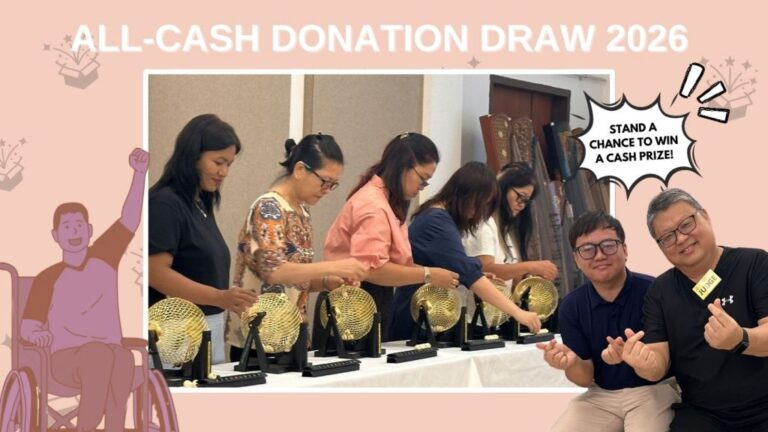
HWA All Cash Donation Draw 2026
Transform lives today! Support HWA's All-Cash Donation Draw 2026 for PWDs & seniors. Buy $20 ticket booklets or donate by Oct 9!!
Jan 1 – Nov 30, 2026
Donate Now →
Active
HWA Flag Day 2026 – CARING BEYOND DISABILITIES
Empower PWDs & seniors! Support HWA's Flag Days. Your gift funds vital care & independence.
Apr 1 – Dec 31, 2026
Donate Now →
Prefer to Give an Item?
Beyond funds, we welcome goods, equipment and supplies that directly support our beneficiaries. Tell us what you’d like to donate and our team will get in touch to arrange the next steps.
Tell us what you have
Describe the item, quantity and condition so our team can assess it.
We'll reach out to confirm
Our team reviews every offer and contacts you to confirm acceptance.
Your item finds a home
Accepted items are provided directly to beneficiaries or used in our office to support HWA’s services for persons with disabilities and the elderly.
In-Kind Donation Form
"*" indicates required fields
Set Up a Recurring PayNow Transfer to HWA
A user guide for Singapore retail & mobile banking platforms —
schedule a standing instruction so your support continues automatically.
Beneficiary Name
HWA
PayNow UEN
S69SS0057J
Tax Deductible Status
Approved IPC
Target Audience
All SG Bank Holders
- Log in to your Singapore banking app. Open your primary banking application, such as DBS digibank, OCBC Digital, UOB TMRW, SC Mobile, or HSBC SG, on your smartphone, or access your bank’s desktop internet banking portal. Log in securely using Singpass, biometric login, or your usual login credentials.
- Navigate to PayNow or transfer options. Locate the transfer menu and select PayNow or Transfer to UEN (Unique Entity Number). Do not select standard local bank account transfer unless using HWA’s bank account number directly.
- Enter PayNow UEN and verify entity name. In the UEN field, enter S69SS0057J. Ensure the auto-retrieved payee name displays as HWA before proceeding. If the entity name does not match, cancel the transaction immediately.
- Enable recurring transfer or standing instruction. Instead of making a standard one-time transfer, look for and turn on the option labelled “Make this a recurring transfer”, “Schedule Transfer”, or “Standing Instruction”.
- Configure transfer schedule and reference. Specify the amount, frequency, start date, end date, and bill reference or remarks. To qualify for the tax deduction, enter your NRIC / FIN / UEN followed by “Donation”, such as “S1234567A Donation”.
- Review, authenticate, and save. Carefully review all details on the confirmation screen. Approve the transaction using your bank’s 2FA, such as a Digital Token or Security Device. You should receive an e-receipt confirming the scheduled standing instruction.
| Bank | In-App Navigation Path | Key Setting Label |
|---|---|---|
DBS / POSB |
Pay & Transfer > PayNow > UEN | Toggle “Make this a recurring transfer” |
OCBC Bank |
Pay & Transfer > PayNow > Unique Entity Number | Select “Repeat Transfer” under Schedule |

UOB Bank |
Pay & Transfer > PayNow > UEN | Toggle “Schedule / Recurring” |
Standard Chartered |
Payments > PayNow > Pay to UEN | Select “Set Recurring Schedule” |
HSBC Singapore |
Move Money > PayNow > Business UEN | Select “Standing Instruction” frequency |
Maybank Singapore |
Transfer > PayNow > Unique Entity Number | Choose “Recurring / Future Date” |